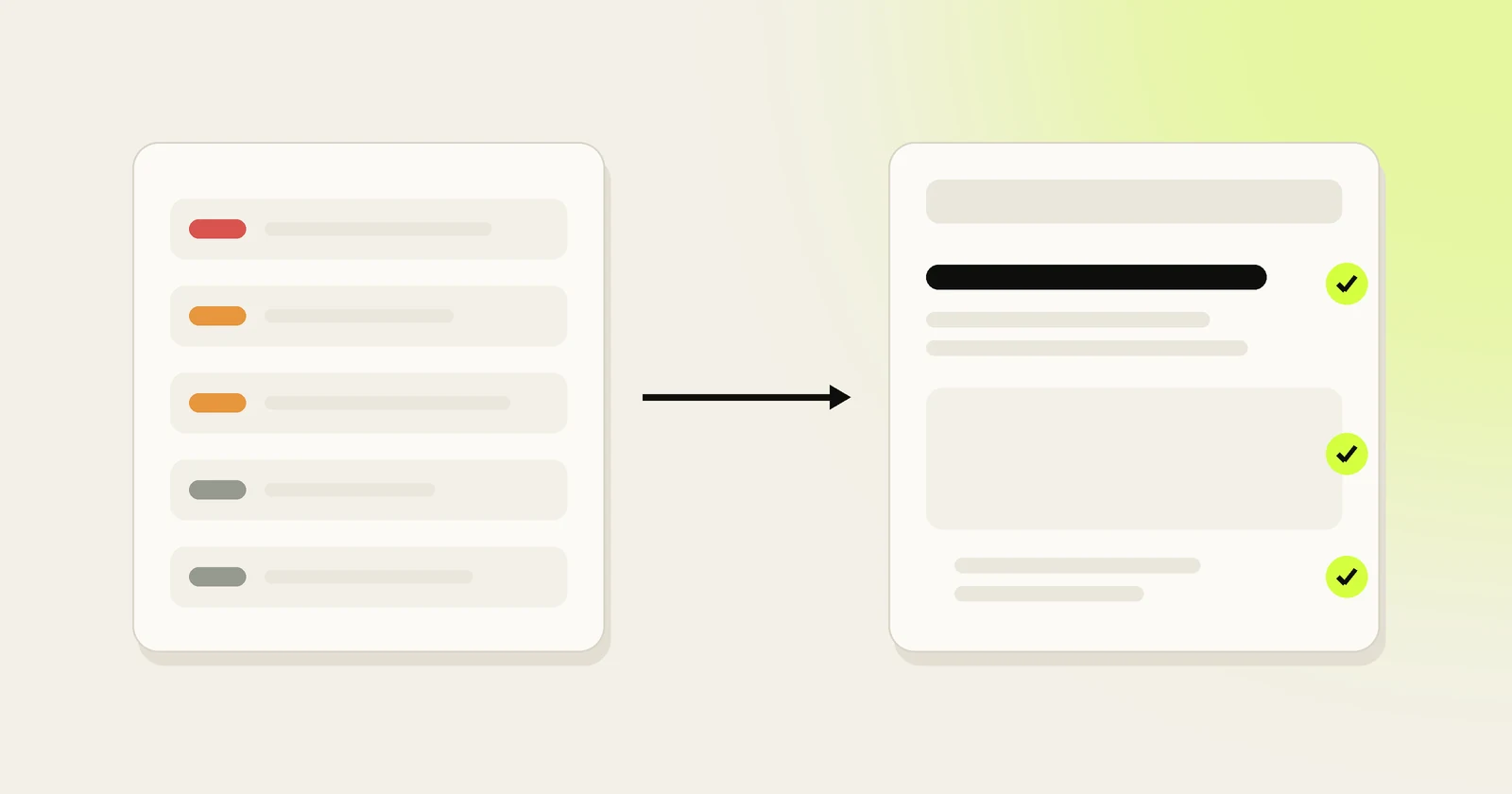
The execution gap
Ask small teams what's wrong with their SEO and the answer is rarely a lack of information. It's that the information never turns into changes:
- Audit tools are good at finding problems and bad at saying which ones matter first.
- Crawlers can report thousands of issues with no sense of which ones affect traffic.
- Teams new to SEO often can't decide which single task to start with.
- Owners who hire help often can't see what was actually changed: a monthly report of graphs instead of a list of fixes.
Illustrative example
It's the same gap every time. Data is cheap now. Implementation, and seeing that implementation, is what's missing.
Why SaaS teams and small businesses get stuck
- Nobody owns SEO. It's a side task for a founder or a marketer with five other jobs.
- Developer time goes to the product. A title change waits behind a feature release.
- Agencies are hard to judge. If traffic falls while you keep hearing that SEO takes time, ask for a list of every change delivered, with its live URL. That's a fair request of anyone doing SEO for you.
- The cadence breaks. A burst of fixes after an audit, then nothing for a quarter.
How tools implement fixes
A tool that implements fixes needs a way to change your site. There are three, and they differ in where the change lives:
| Method | How it works | Strengths | Trade-offs |
|---|---|---|---|
| Through your CMS | Edits titles, content, schema and links via the WordPress, Shopify or Webflow API | Changes live in your CMS like any edit; they stay if you stop using the tool | Limited to what the CMS's API allows |
| Through code | Opens a pull request on the site's repository for a developer to merge | Reviewed, versioned, easy to roll back | Someone has to merge it |
| Through a script or edge worker | A snippet or CDN worker rewrites pages as they're served | Works on almost any site, fast to deploy | Changes live outside your CMS; check what happens when you cancel |
Whatever the method, a good fix-implementing tool shows a before and after for every change, and things it can't publish should come back as exact steps rather than vague advice.
What to automate first
A safe order, from lowest risk to highest. The first group is detection, which can run automatically with alerts; the rest are fixes you approve before they publish, with the low-risk ones eventually allowed to ship on their own.
- Detection and alerts: pages that fall out of the index, accidental noindex tags, server errors, broken sitemaps. Automate the alert, not the fix.
- Missing or duplicate titles and meta descriptions on pages that matter.
- Broken internal links, pointed at the right live page.
- Image alt text that describes the image for people using screen readers.
- Structured data that's missing or invalid, validated before it ships.
- Internal links from relevant pages to the pages you want to rank.
- Sitemap updates and submission.
Once those run smoothly, add drafted content and drafted outreach, both approved by a person. Experienced SEOs often order technical cleanup as crawlability first, then canonicals, structure and links, with page-level tweaks last. That still fits: automate the detection of the big structural problems, and let a person decide how to fix them.
What never to automate
These changes can remove pages from Google or send visitors to the wrong place, and a single mistake can undo months of work. Google's documentation on robots.txt, noindex, canonical tags and redirects explains how each one changes what Google crawls and indexes. Draft them, explain them, and have a person approve each one:
- robots.txt rules that block or unblock sections of the site
- noindex tags
- canonical tag changes
- redirects in bulk, or deleting and merging pages
- fixes for thin content or pages competing for the same search, which are judgment calls about what a page should be
Know whether a fix worked
Implementation without measurement is guesswork. For each change, record the date and compare the page's clicks, impressions and position in the Search Console performance report before and after. Allow several weeks for Google to recrawl and settle, and compare like-for-like periods so seasonal swings don't fool you.
Tie rankings to the work behind them and you can tell which kinds of fixes are worth doing more of on your site.
SEO automation for SaaS vs small businesses
The mechanics are the same, but the priorities differ:
- B2B SaaS usually wins on comparison, alternatives, integration and use-case pages, plus documentation, and increasingly on being named in AI answers. See SEO for SaaS companies.
- Local small businesses depend heavily on a Google Business Profile, reviews and local listings. General SEO automation tools, including ours, focus on the website, so pair them with a tool built for local SEO.
Where Sojig fits
We built Sojig around this gap, and we make it, so weigh this section accordingly. Each week it re-crawls your site, finds issues and drafts the fix for each one with a before and after. Approved fixes publish to WordPress, Shopify or Webflow, or arrive as a pull request for sites in code. Anything a platform can't do comes back as exact steps you can copy. See technical SEO fixes and the weekly site audit.
Illustrative example
Manual approval is the default, and changes like robots.txt unblocking, canonical conflicts and thin content always wait for a person.